Exlser - Spreadsheet data workspace
🟢 Active
Exlser started from the original Excel Category prototype, but it has evolved into a much more structured product. It is no longer just a spreadsheet filter: it is a local data workspace where CSV and XLSX files become persistent datasets that can be reopened, filtered, queried with read-only SQL, analyzed with charts and exported to Excel, CSV, JSON, PDF or SQL. The project is active and currently moving toward a Google Play beta release. In addition to Android, Exlser now has Windows, macOS and Linux desktop builds plus a browser demo.
Tech stack
Type
Category
Platform
Download
 Exlser Desktop for Windows (ZIP)Checking...
 Exlser Desktop for macOS (ZIP)Checking...
 Exlser Desktop for Linux (ZIP)Checking...
 Exlser web demoChecking...
 Desktop release v2.0.1Checking...Old Excel Category prototypeChecking...
Want to see how the project evolved? The repository documents roadmap, refactoring, architecture and multi-platform Flutter development.
GithubWant to try Exlser or join the Android beta? The landing page links the web demo, desktop download channels and beta tester contact options.
Visit the website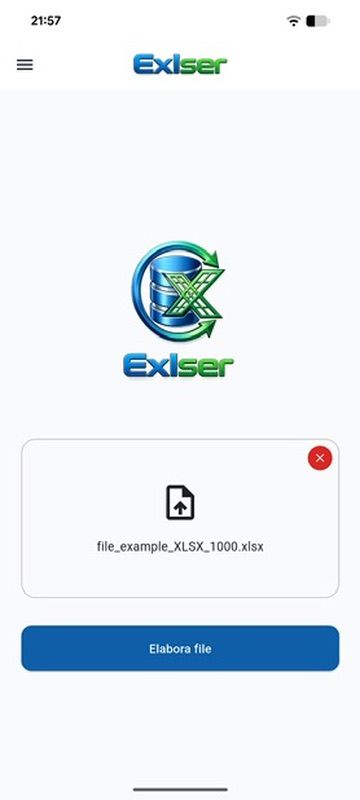
Guided import and schema inference
Exlser reads CSV and XLSX files, detects columns and infers data types before anything is saved. This avoids treating every cell as plain text and makes filters, queries and exports more reliable.
CSV/XLSX • Schema inference • Pre-save validation
Desktop, web demo and multi-platform delivery
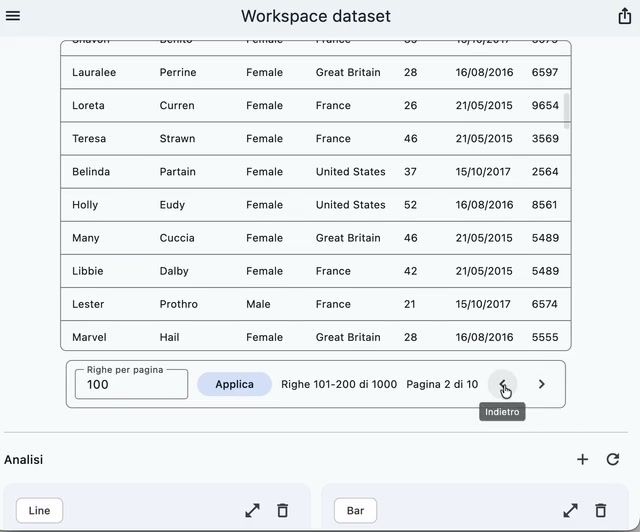
Exlser is not only a mobile app: users who prefer desktop workflows can download Windows, macOS and Linux builds from the desktop-v2.0.1 GitHub release, while the web demo is available at https://exlser.com/demo/#/home. The landing preview shows the flow before installation, making it easier to choose between desktop, web or Android.
Windows • macOS • Linux • Web demo • Landing preview
Persistent local datasets
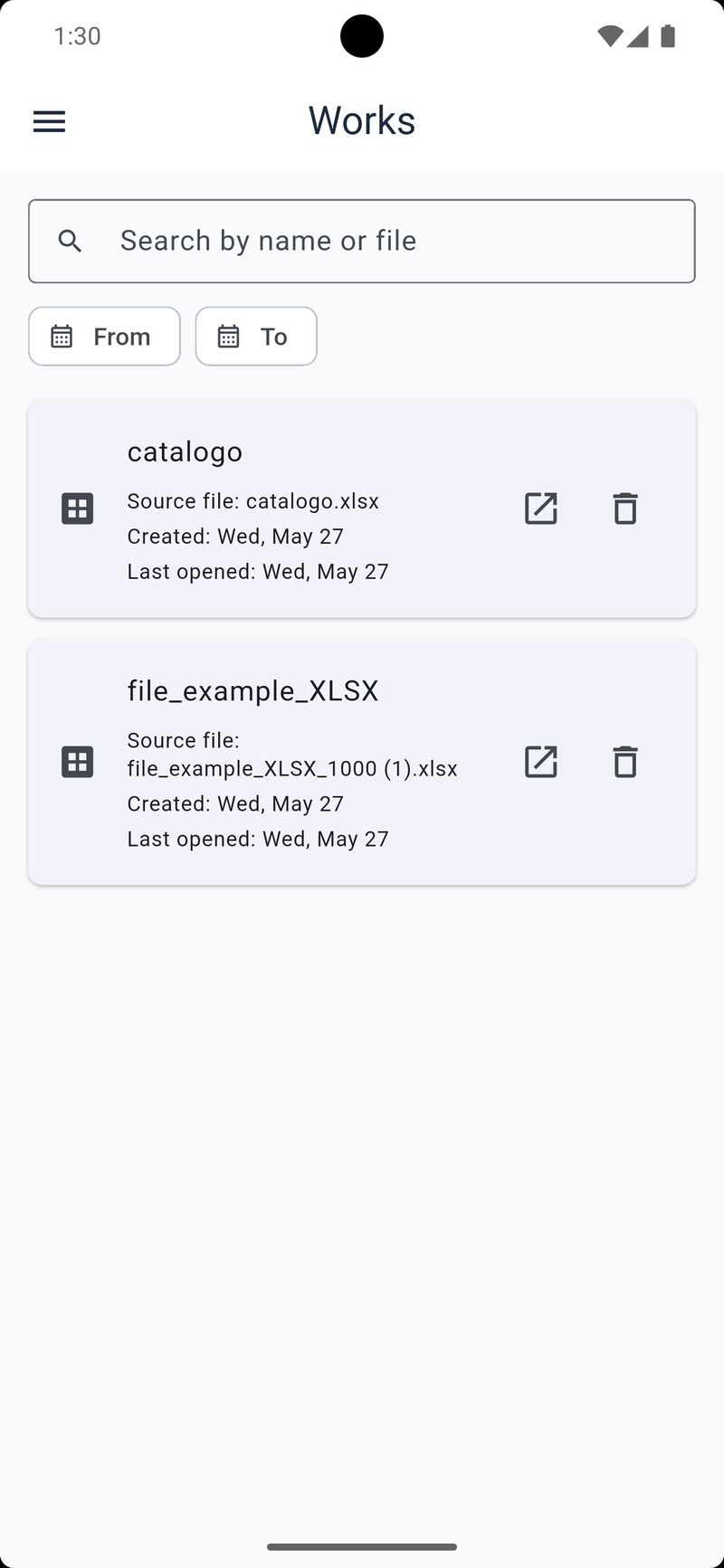
Unlike the old prototype, work is not kept only in memory: datasets are stored locally through Drift and SQLite together with metadata, tables, columns and interface state. Users can reopen a previous workspace and continue from the filters, sort order and visible columns they already configured.
Drift • SQLite • Saved workspaces • Persistent UI state
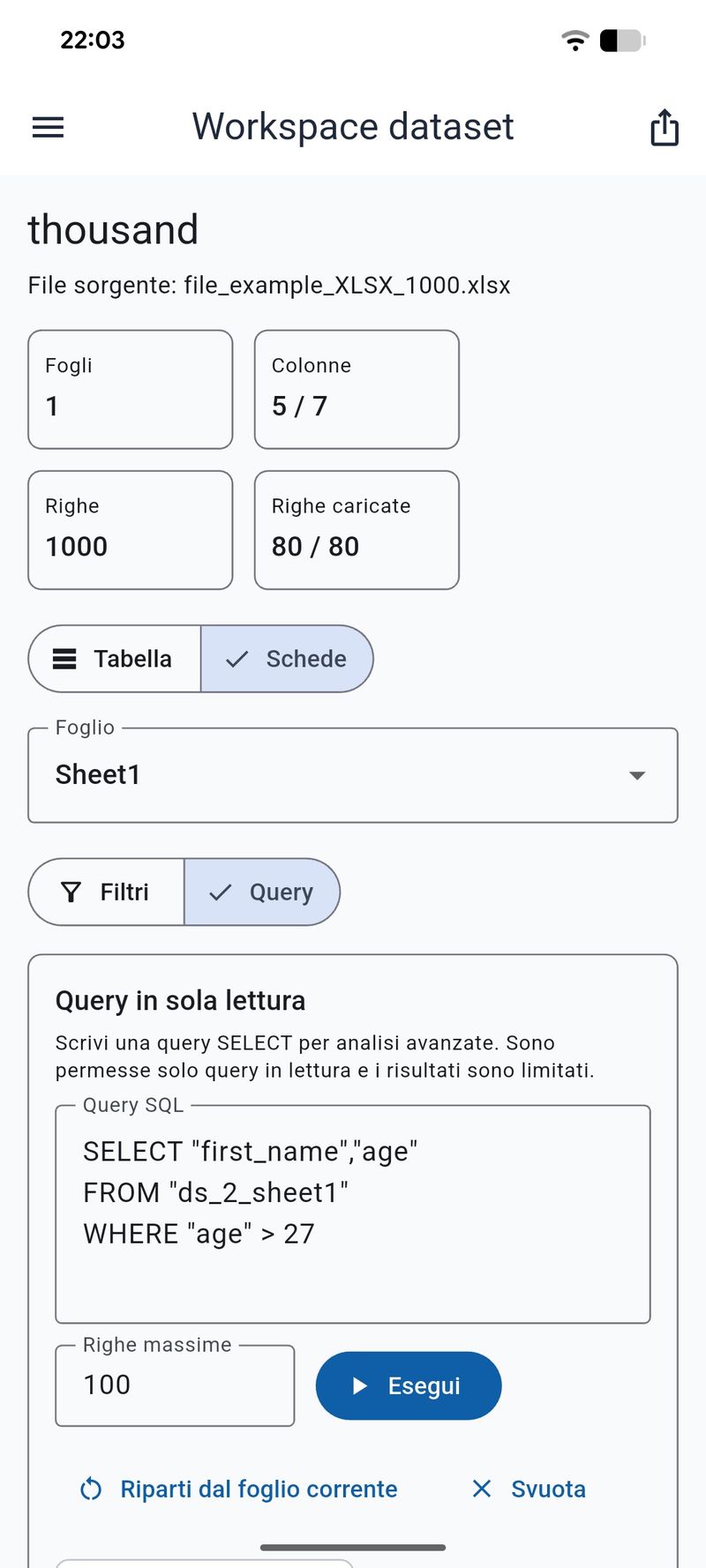
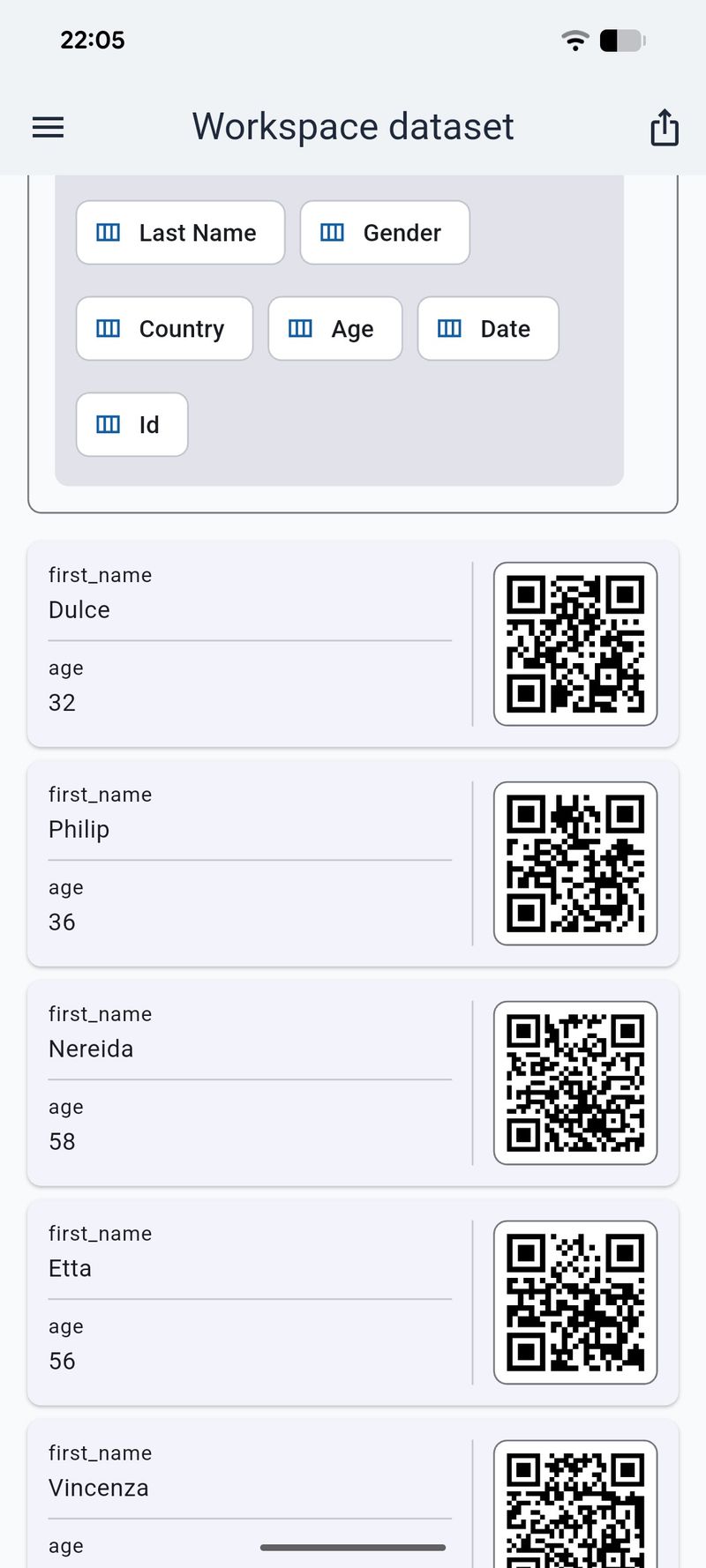
Structured filters, SQL and data views
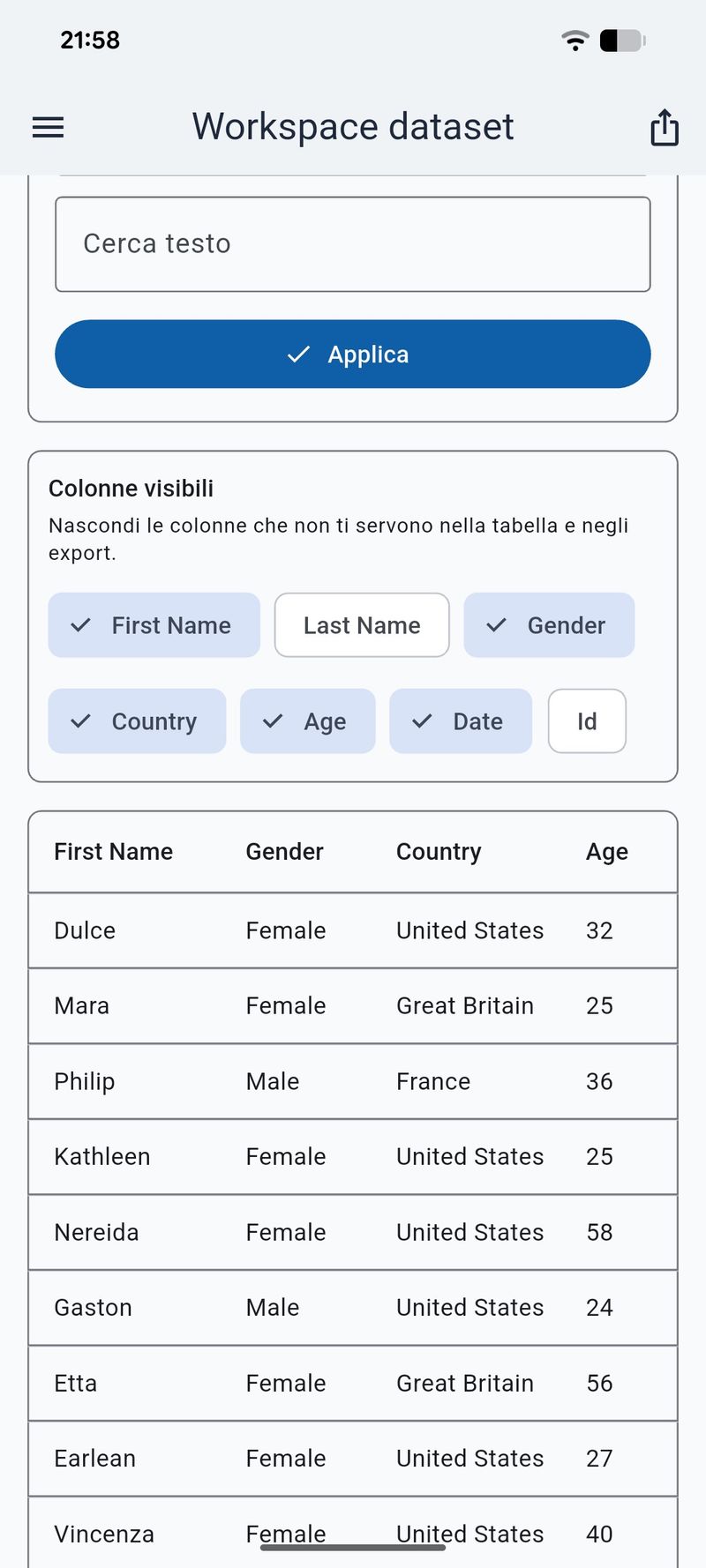
The workspace combines type-aware filters, sorting, pagination, column visibility, table view and card view. Advanced users can also use a read-only SQL mode validated against the dataset schema.
Type-aware filters • Read-only SQL • Table/Card view • QR code
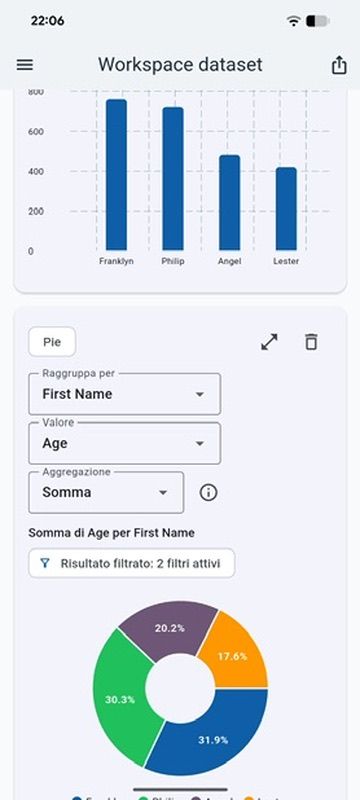
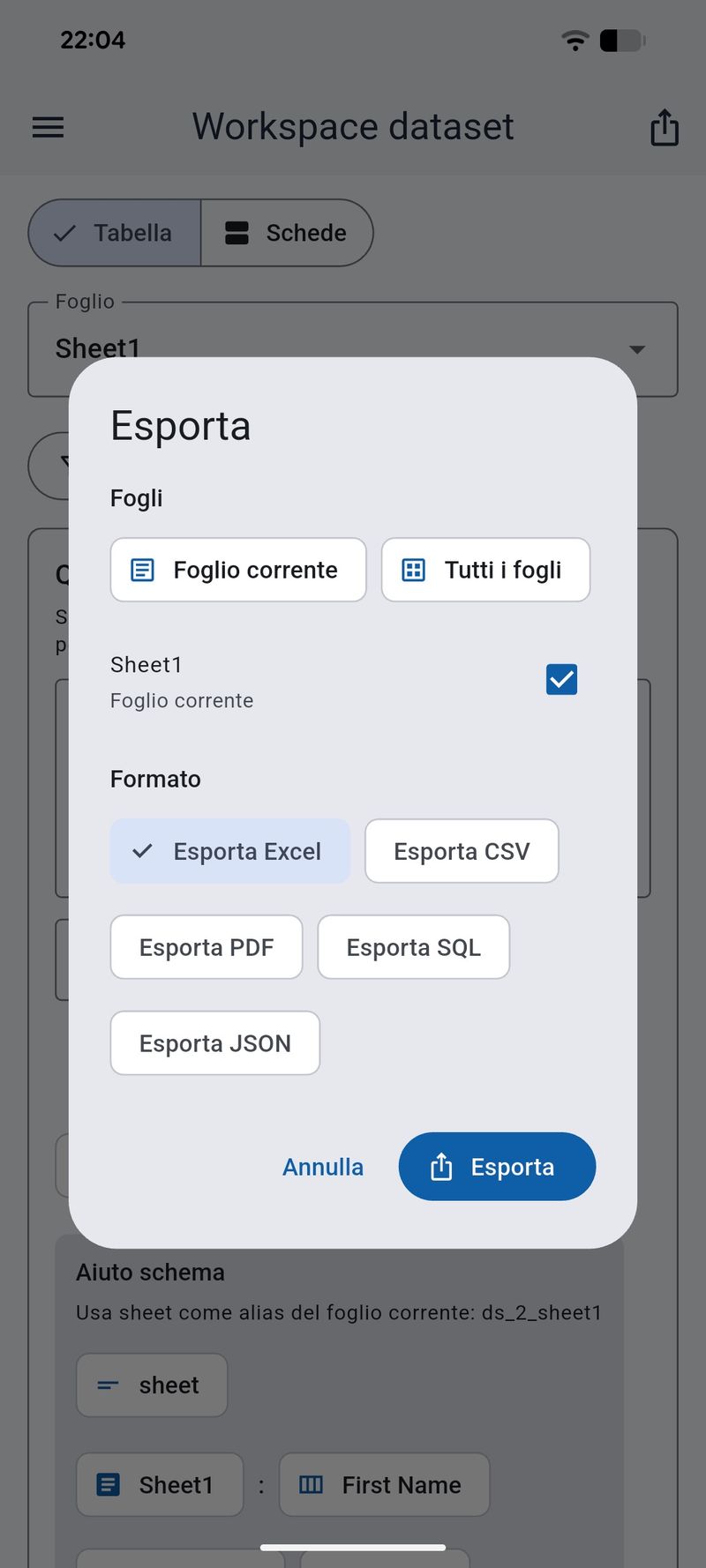
Automatic analysis and multi-format export
Exlser suggests charts from column types and exports the current result while respecting active filters, sort order and visible columns. Export formats include Excel, CSV, JSON, PDF and SQL; card-view PDFs can include QR codes encoding each row as JSON.
Analytics • Automatic charts • Excel/CSV/JSON/PDF/SQL export
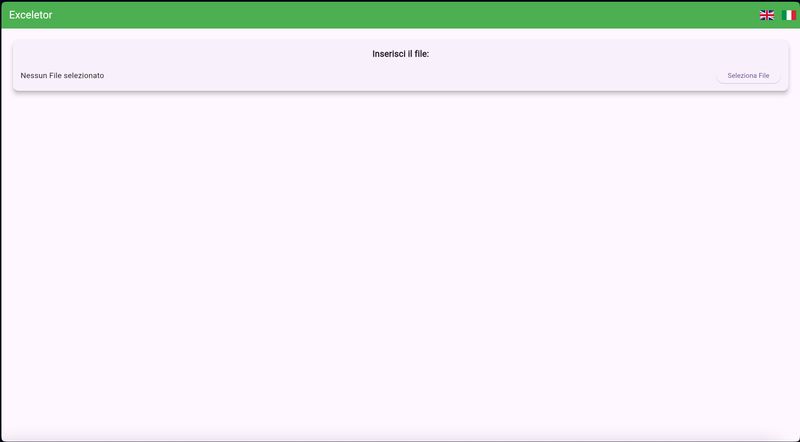
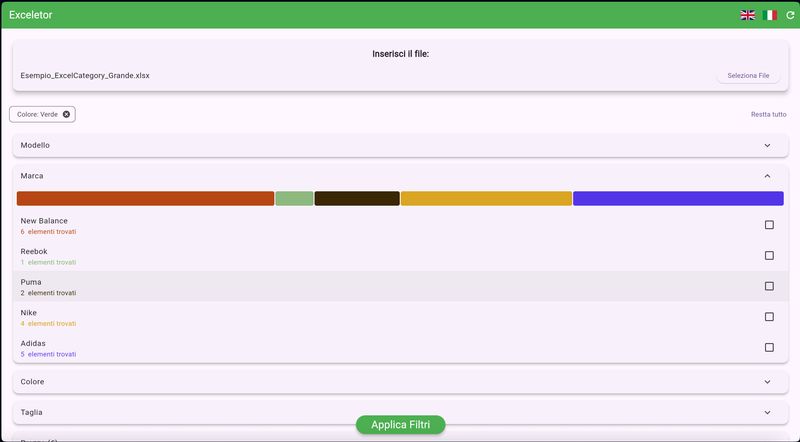
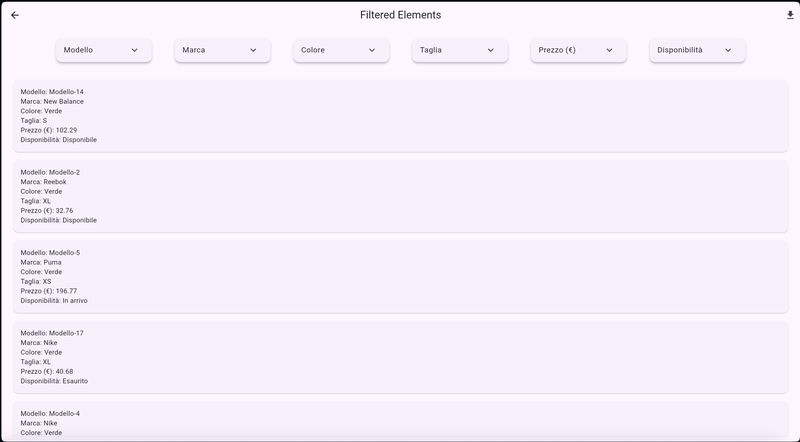
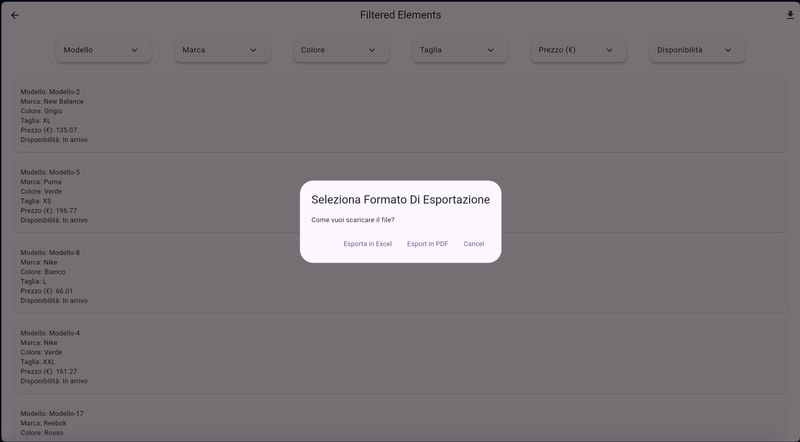
From Excel Category prototype to Exlser
The old Excel Category prototype remains online at https://excelcategory.web.app as a historical snapshot of the first idea: load a spreadsheet, filter data quickly and download the result. Exlser starts from that need and turns it into a local-first product with clean architecture, persistence, SQL queries, analytics, Android beta and desktop/web distribution.
Historical origin • Refactoring • Clean Architecture • Local-first
Try Exlser or follow its development
Exlser is actively evolving toward Google Play distribution. If you want to try the beta, use the web demo, download a desktop build or review the architecture, start from the landing page or the GitHub repository.